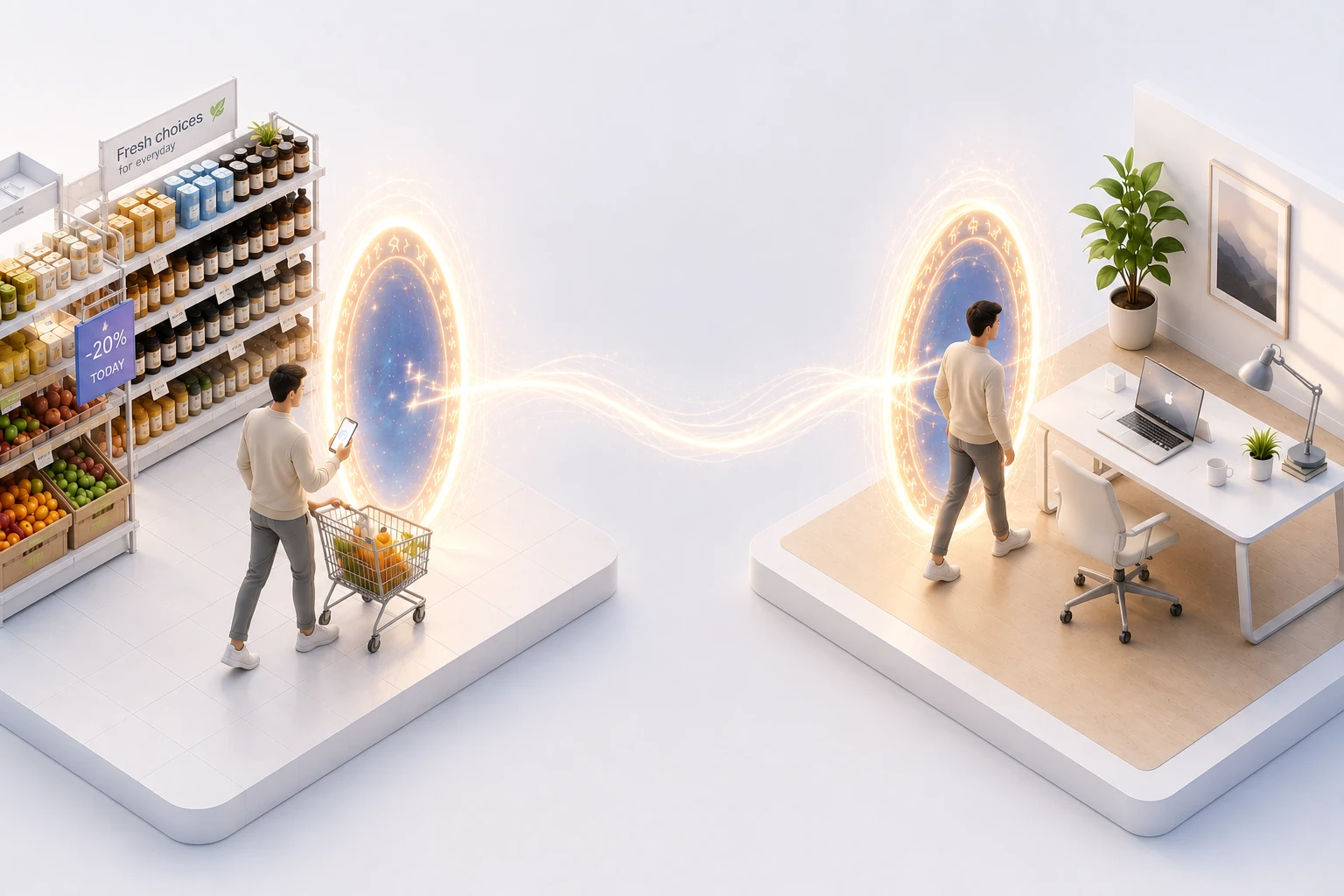
Be at your Mac.
Instantly.
Live access. Full control. Audio, camera and AI — on your machine.
Everything your desktop can do
A live, controllable session — with audio, camera and an on-machine AI.
See your screen live
Your desktop, streamed to your phone — smooth, low-latency, and zoomable up to 6×.
Control it
Tap, type and scroll to drive your Mac as if you were sitting right in front of it.
Talk both ways
Hear your computer and speak back — real-time audio in both directions.
Ask the AI
Hand a whole task to an AI that runs on your own machine. Type it or just say it.
Screen or camera
Flip between your desktop and your camera with a single tap — right from your phone.
Share with a friend
Send a link so someone can watch your screen. View-only, no account, no setup.
Live in three steps
From zero to a controllable desktop in under a minute.
Run one command
Start Teleportus on your Mac and grant two permissions. That's the whole setup.
Open Telegram
Start the bot, get a free demo, and tap the Desktop button next to the message box.
Take over
Your screen appears on your phone — and now you're driving it from anywhere.
Command it like a conversation
One entry point, always in reach. Send an intent — Teleportus does the rest.
Built so only you are in control
Access is proven on every connection — never assumed.
Only you're in control
Every connection is verified through Telegram. Anyone you invite can only watch.
Nothing is stored
Your screen, audio and files are never saved on our servers — they only pass through.
Yours to revoke
Cut off any shared access instantly, the moment you want it back.